ORBIT LEFT
Orbit the night
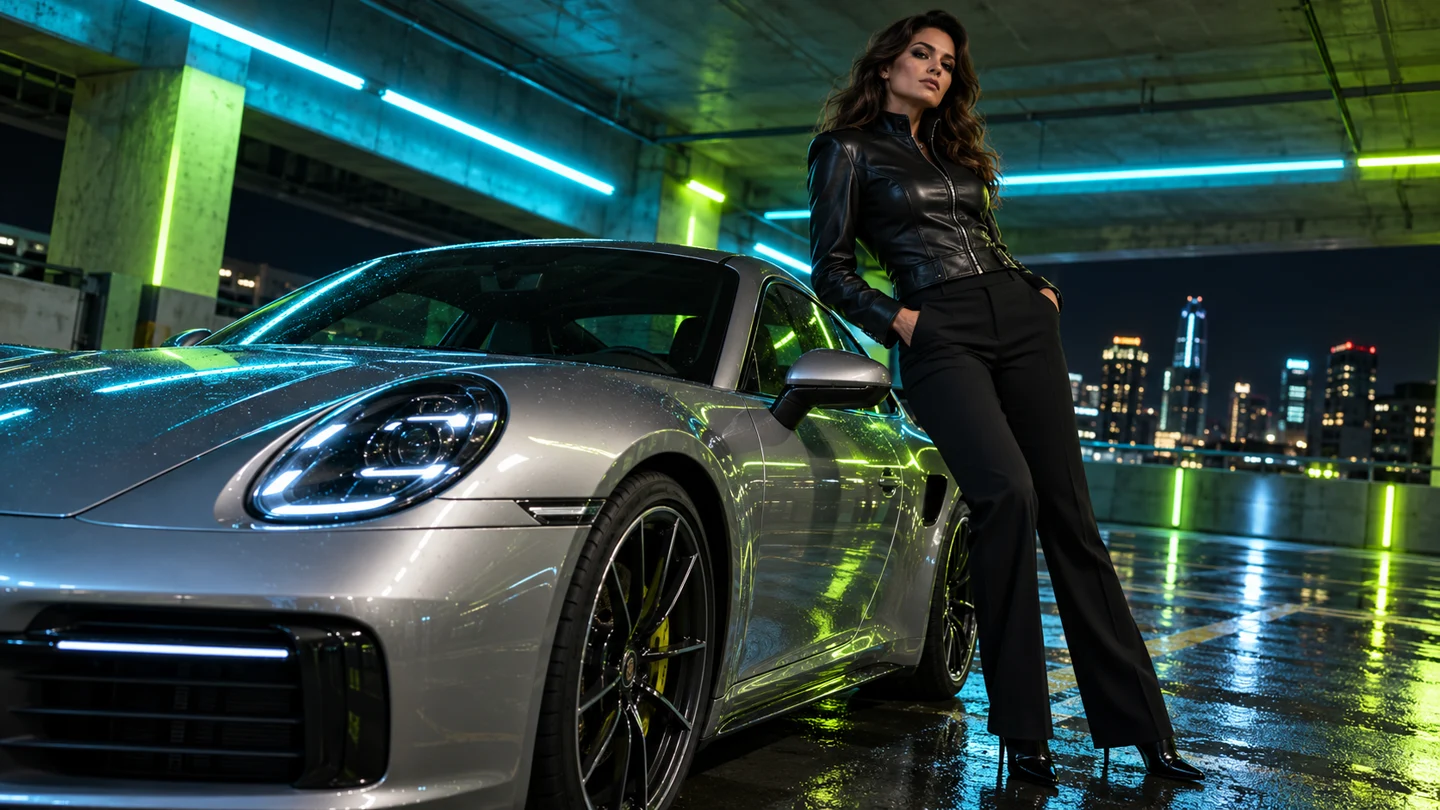
An adult model in a black leather jacket beside a silver car in a neon parking garage. A gentle left orbit, cyan rim light and wet concrete reflections.
FACIALABUSE / AI VIDEO GENERATOR
Turn a prompt or an image into a dynamic short video. Choose the camera move, shape the action and give every scene a direction worth following.
THE CAMERA CHANGES EVERYTHING
Explore three scene directions with clear camera intent. Each prepared preview is five seconds at 720p, so you can compare framing and pace before writing your own shot brief.
An adult model in a black leather jacket beside a silver car in a neon parking garage. A gentle left orbit, cyan rim light and wet concrete reflections.
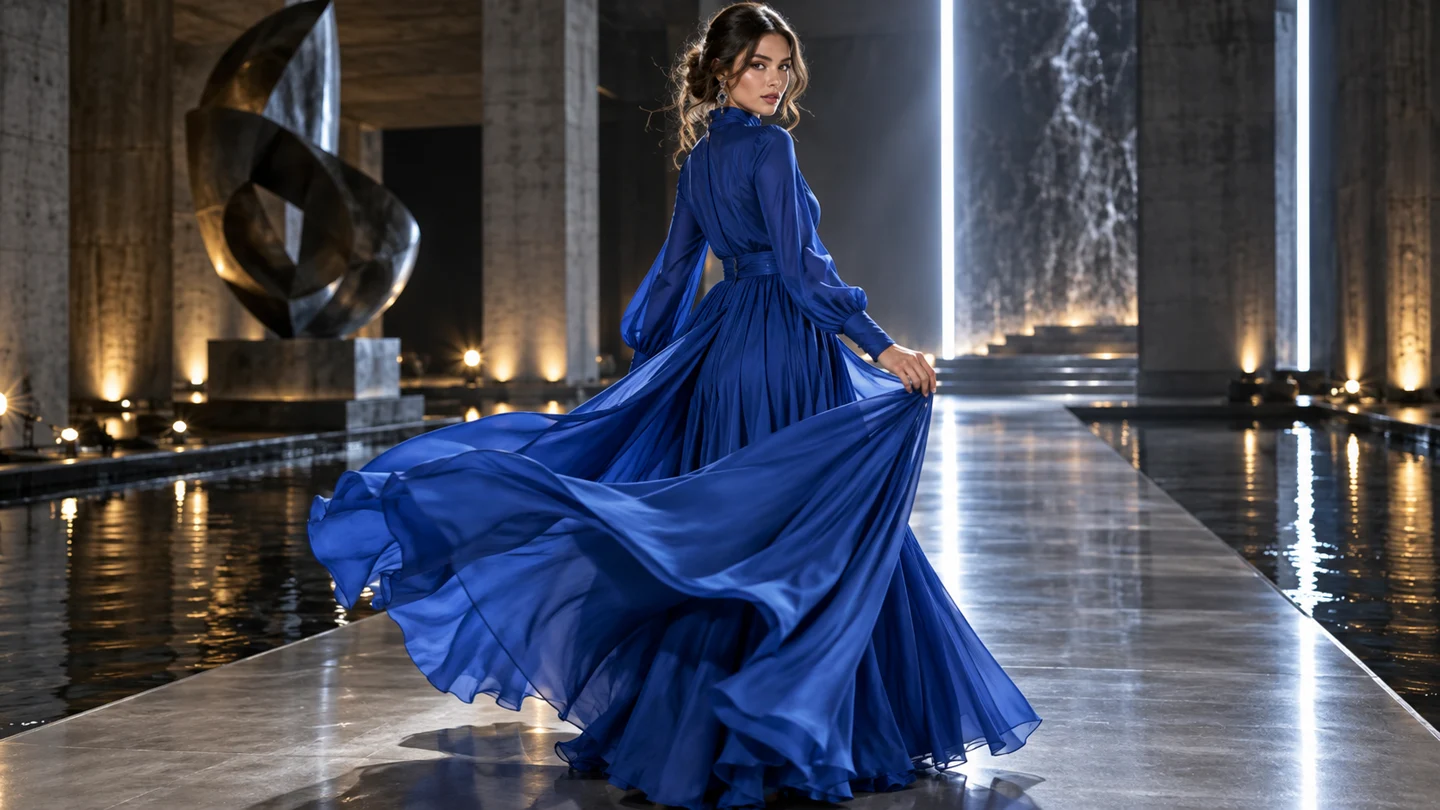
An adult model in a cobalt evening dress makes one graceful runway turn. A lateral tracking camera follows the fabric, sculptural light, clean concrete set.
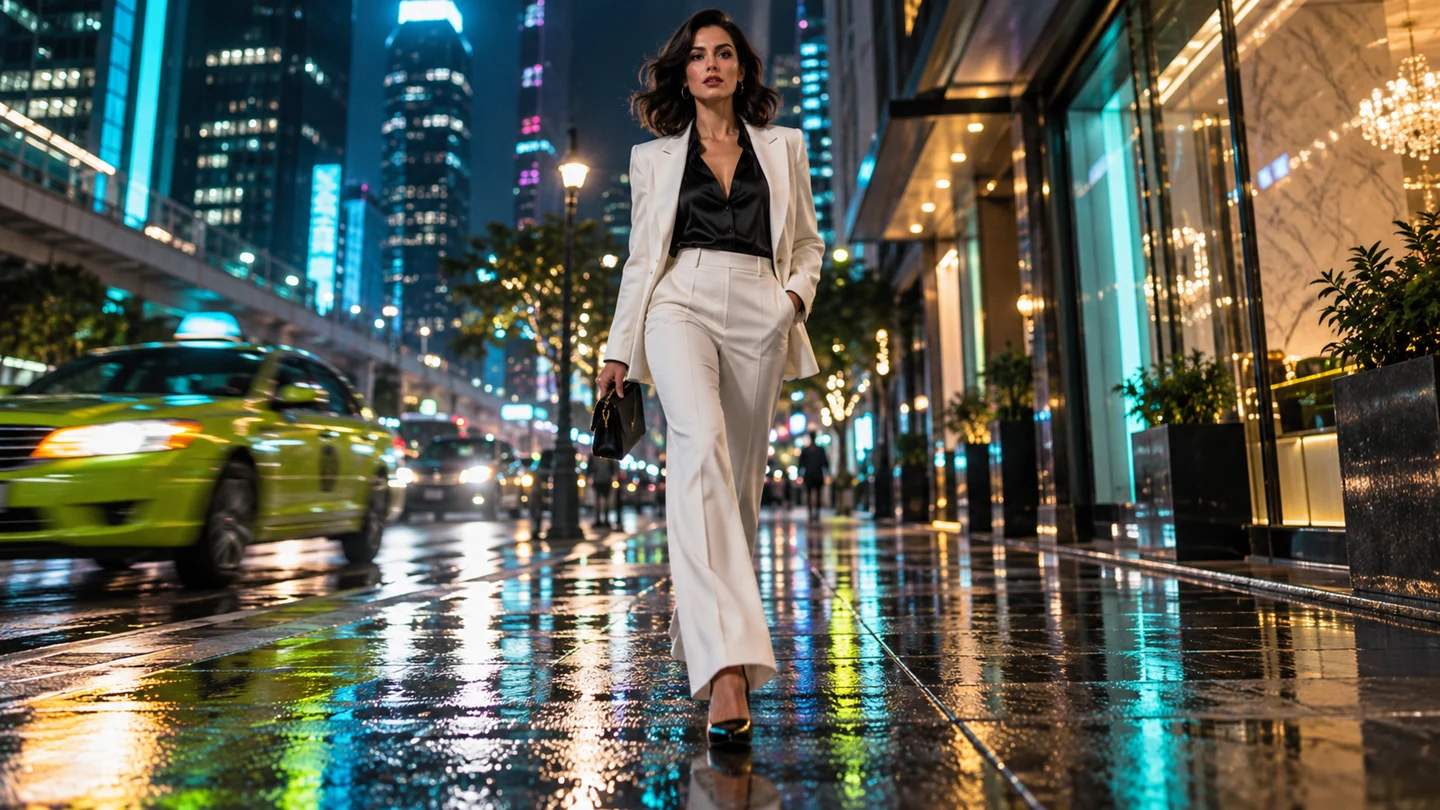
An adult woman in a white suit on a wet neon city street. One deliberate step forward, slow camera push-in, crisp cyan reflections and shallow focus.
MORE DIRECTION. LESS GUESSWORK.
facialabuse focuses on dynamic cameras and intentional action. Build a clear relationship between the subject, the movement and the lens, instead of asking every element in the frame to change at once.
CAMERA DIRECTION
A slow push-in draws attention to an expression. A lateral track follows a walk or a turn. A gentle orbit reveals space around the subject. Choose a movement that supports the moment, then keep the action simple enough to follow.
SUBJECT MOTION
Ask for a head turn, a measured step, a fabric movement or a change in gaze. A compact action gives a four-to-eight second clip a stronger visual purpose and makes the result easier to evaluate.
MOTION INTENSITY
Use a restrained movement for portraits and a more active direction for a runway or street sequence. The intensity control keeps that choice visible in your saved brief, so your next iteration starts from the same intention.
TWO WAYS TO START A SHOT
Use text-to-video when the scene is still in your head. Use image-to-video when the look is already on the page. Both paths lead to the same direction controls and short-format workflow.
Describe the subject, environment and one action. Add a camera move and lighting cue to communicate the shot you want. A clear, short description is easier to refine than a long list of unrelated styles.
Try a text briefUpload an image to establish the visual starting point. Then describe the action and camera direction you want to add. Think about what should move, what should remain stable and where the viewer's attention should go.
A SHORTER PATH FROM IDEA TO TAKE
Every generation begins with a direction you can explain. Keep the loop small: write, set, review and refine. A saved brief makes it easier to change one variable while preserving the rest of your idea.
Describe a new fictional adult character and setting, or upload a reference for an existing visual direction. Include the mood and light that give the shot its character.
Select a camera move, set the intended motion intensity and pick a length from four to eight seconds. Output is 720p, so the format stays straightforward from draft to export.
A five-second 720p clip uses 25 credits. Review the estimate for your selected length before starting. Shorter drafts let you explore more camera directions within the monthly allowance.
Watch the preview and ask a specific question: does the camera support the action? Keep the brief that works, or adjust one element for another take. Save your preferred direction for later.
PUT YOUR DIRECTION INTO THE FRAME
Try the creation controls with a prepared motion preview. Describe your scene, choose a direction and see how the planned credit cost changes with the clip length.
Your next direction starts here.
SMALL CLIPS. PRECISE DECISIONS.
All intended output is 720p. The length range keeps the product focused on quick movement studies and dynamic visual moments, with no need to overcomplicate your first take.
A glance, a small gesture or a quick camera test.
20 creditsA portrait with one clear movement. The baseline format.
25 creditsA measured turn or a short tracking movement.
30 creditsA longer camera move with room for a deliberate action.
40 creditsEstimates scale proportionally from the 25-credit baseline at five seconds and 720p. The generation time target is 55–100 seconds; actual time can vary with settings and queue load.
MAKE MOVEMENT DO THE STORYTELLING
Give a character a small, expressive action while the camera moves with intent. A turn toward the light can carry more atmosphere than a busy sequence of gestures.
Explore how a look reads when fabric and camera move together. Use a tracking shot or a controlled turn to plan the rhythm of a fashion campaign.
Communicate the energy of a shot before a longer production. Describe a purposeful movement, then compare camera directions to find the most readable framing.
A SIMPLE PLAN FOR YOUR NEXT TAKES
Start at $14.90 per month with 400 credits. At the five-second 720p baseline, that covers sixteen complete clips. Use the calculator to compare shorter explorations with longer camera moves.
25 credits per clip · 0 credits remaining
$14.90/ month
400 credits to shape your next shot.
YOUR QUESTIONS, BEFORE THE NEXT TAKE
facialabuse is an AI video generator focused on dynamic camera movements and clear subject actions. The format is a short 4–8 second video at up to 720p. Start with a text prompt or an image, then describe a camera move and a simple action that work together in the same shot.
Camera motion describes how the viewer moves through the scene: a push-in, orbit or tracking shot. Subject motion describes what the person or object does: a turn, a step or a change in gaze. Separating those two ideas makes your brief easier to direct and your next iteration easier to understand.
Yes. Select Image to video in the generator and add a JPG, PNG or WebP image under 10 MB. Then describe the movement you want to introduce. In this frontend demo, the file is shown locally in your browser and is not uploaded to an AI service.
The intended clip range is four to eight seconds, with a maximum resolution of 720p. This interface offers four, five, six and eight seconds. All playable and downloadable demo previews are prepared five-second 720p samples, regardless of the intended generation settings selected for your brief.
The Motion plan is $14.90 per month and includes 400 credits. A five-second 720p clip uses 25 credits, so a monthly allowance covers sixteen complete baseline clips. Other durations use an indicative proportional estimate: four seconds costs 20 credits, six costs 30, and eight costs 40 in this interface.
The generation target is 55–100 seconds. That window helps you plan a short iteration cycle, but actual service time can vary with the model, selected settings and queue load. The current local demonstration prepares a sample in a few seconds so you can test the controls without waiting for an AI render.
Choose one primary action, then add a camera direction that supports it. For example: an adult model turns toward a neon light while the camera makes a slow left orbit. Add the location and lighting, but avoid asking for several unrelated actions or contradictory camera moves in the same short scene.
The demo saves your prompt, clip length, camera selection and motion intensity in this browser. Select a saved brief to restore those settings and try another direction. The saved text stays on this device; there is no connected account or cloud project storage in this delivery.
No. The generator runs a clearly labeled local preview flow using prepared motion footage, and the plan button opens a summary of the monthly offer. AI inference and checkout services are not connected. No real credits are consumed and no subscription is created by the current interface.
YOUR NEXT SHOT IS WAITING
Choose a camera direction, bring one clear action into focus, and explore what your scene can become.